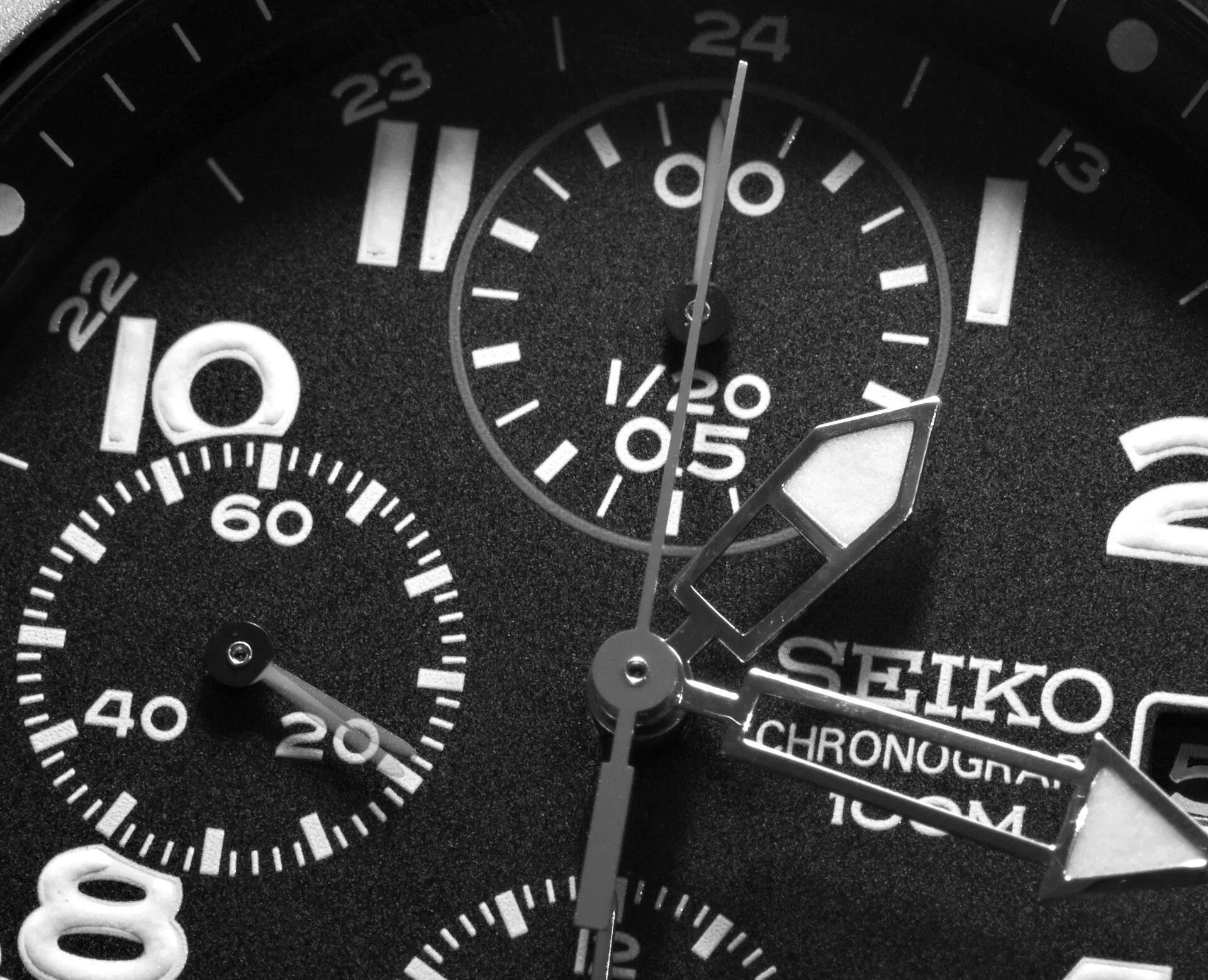
Almost every automatic is set the same way. The crown has three positions: pushed in to wind, one click out for the date and two clicks out for the hands. On dive watches the crown usually screws down: unscrew it first by turning it towards you until it pops free.
Step by step
- If the watch has stopped, wind it: 20 or 30 turns with the crown pushed in, or rock it for a minute if it has no hand winding.
- Pull the crown to the second position and move the hands to 6:00, out of the calendar window.
- Push it back to the first position and set yesterday’s date. If it shows the day, it usually changes by turning the crown the other way.
- Pull to the second position and advance the hands until the date jumps: that is midnight. Carry on to the current time, morning or afternoon.
- Push the crown in and, if it screws down, screw it back while pressing gently.
To the second, with hacking seconds
If the watch has hacking seconds, the seconds hand stops when you pull the crown to the hand-setting position. Wait for it to reach 12, pull the crown, set the minute hand one minute ahead of the real time and push the crown in just as your reference clock ticks over to the next minute. Without hacking you can only set it to the minute.
The window when you should not touch the date
Roughly between 9 pm and 3 am the calendar is engaged, getting ready to change the date. Forcing the date with the crown during that time can damage a tooth. That is why step 2 moves the hands to 6:00 first. Some movements do not have this issue, but each brand’s manual says so and it is better not to take the risk.
GMT watches
On a watch with a 24-hour hand, the first crown position usually moves that hand or the hour hand in one-hour jumps. The GMT watch guide explains how each type works.